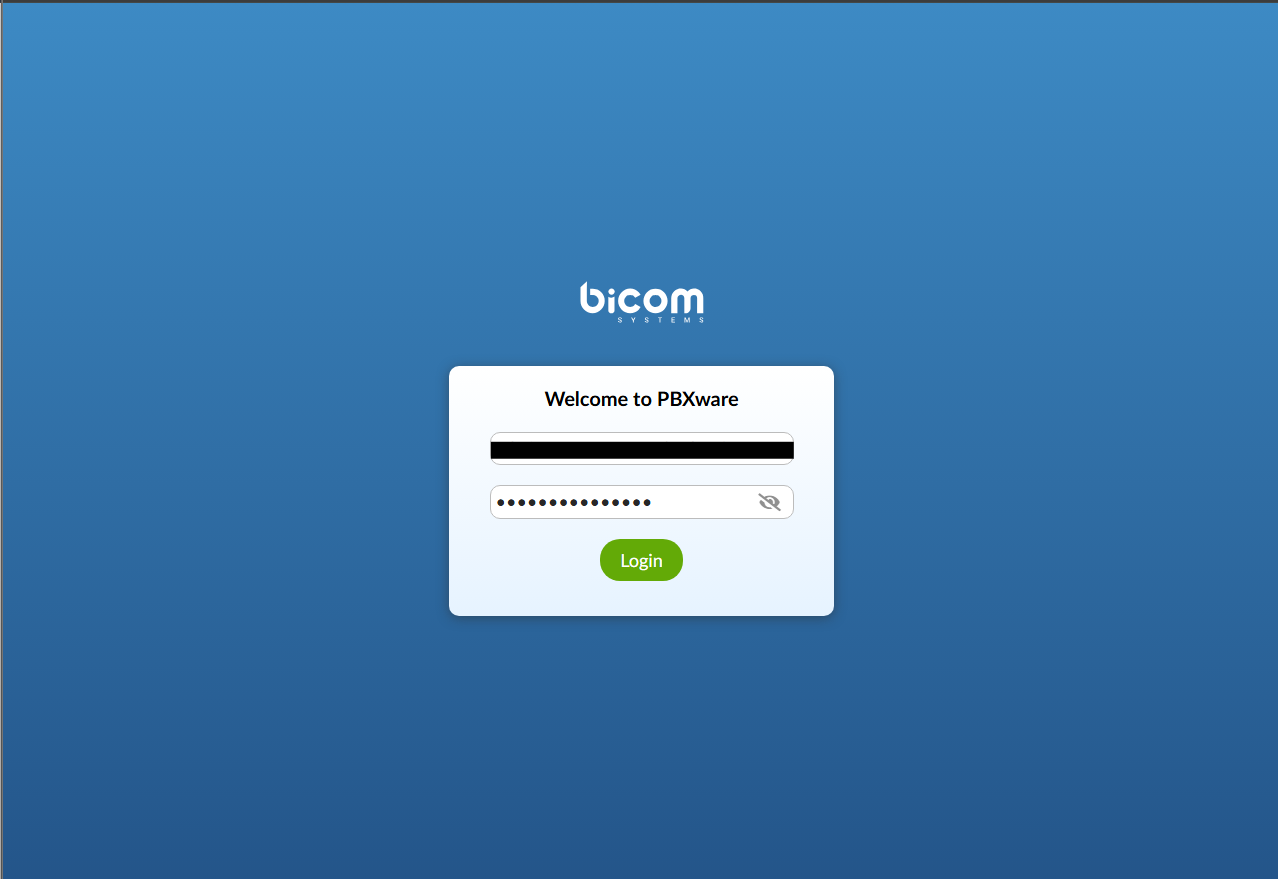
1.) Login to pbx.ciptel.net.au.
2.) For the login details, we will be sending them via email.
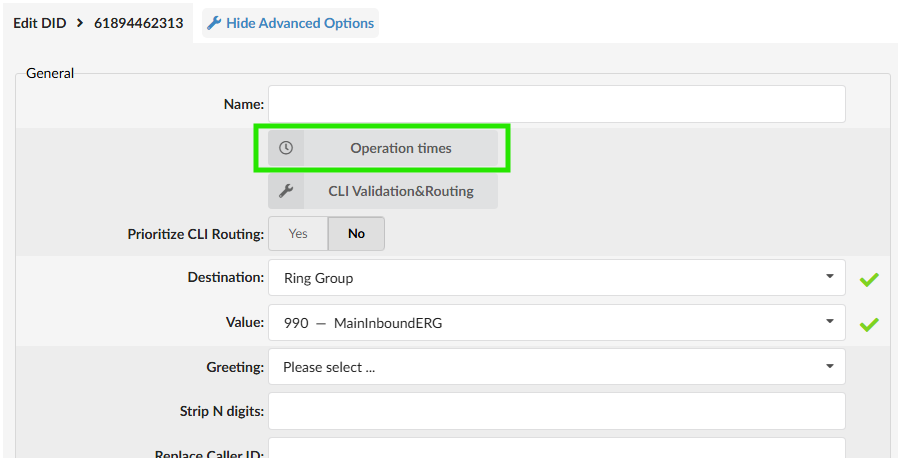
3.) Go to DIDs > select your DID.

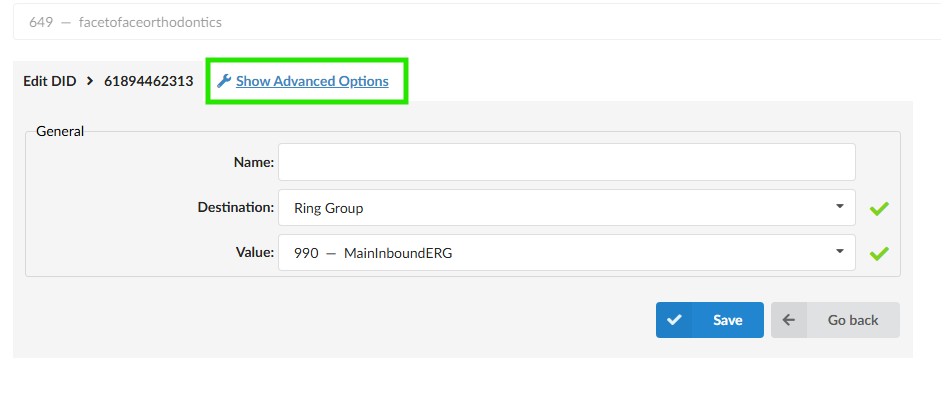
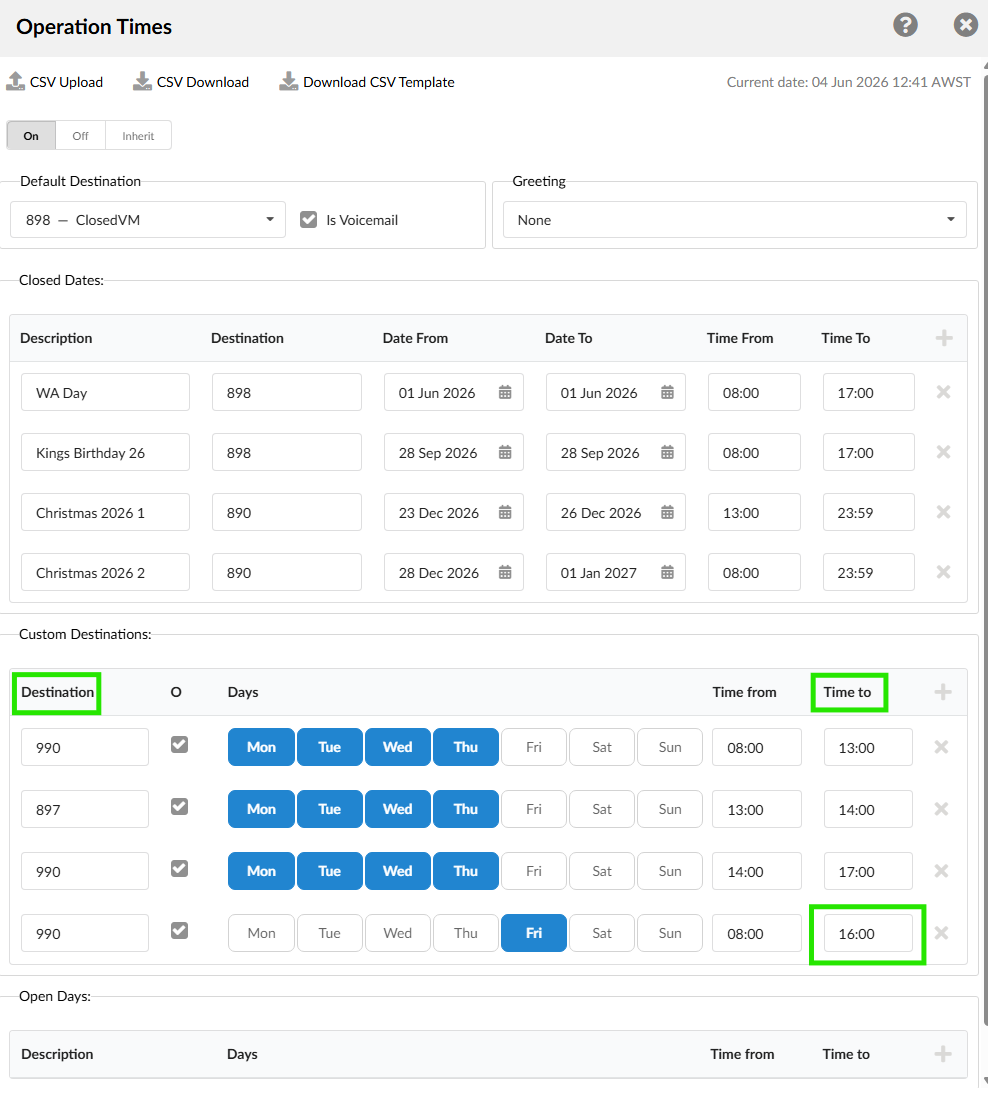
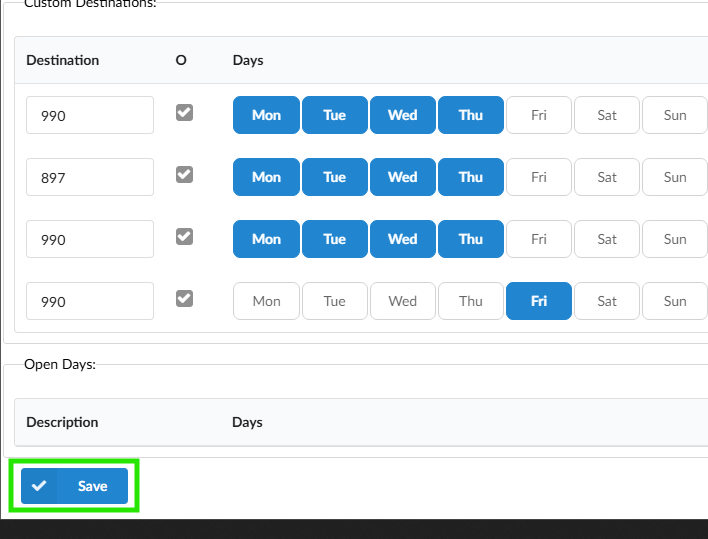
- Edit the "Time to" of Friday's Custom Destinations.
- "Time to" will depend on your alternating Friday schedule (4 pm or 2 pm).